How to use the free bingo card generator
The bingo card generator works in four steps, and the cards are made in your browser, so nothing you type is sent anywhere.
- Choose a theme. Start from your own words, pictures for children, 75-ball numbers, a blank template, or one of the ready-made party lists. Choosing a theme fills the list box, and you can edit it freely.
- Check the list. One item per line. The counter shows how many different items you have; repeats and empty lines are ignored, because a word that appears twice would let one call mark two squares.
- Set the size and number. Pick 3 × 3, 4 × 4 or 5 × 5, decide whether the centre is a FREE square, and say how many cards you need, up to 60. Give the cards a title if you like.
- Make and print. Press Make cards to see them, then Print cards. Each printed page holds two cards, large enough to mark with a pen or a counter.
Change anything and press Make cards again for a fresh set. Your own list is remembered in this browser, so it is still there if you come back to print more.
Printable bingo cards that are all different
The one rule that matters for printable bingo cards is that no two should be the same. If two players hold identical cards they win at the same moment, every time. This bingo card maker gives each card its own random selection from your list and shuffles the positions as well, and it checks every new card against the ones already made, so no two share the same set of items.
That is only possible when the list is longer than a card. With 24 squares to fill and exactly 24 items, every card must hold every item, and the only difference is where they sit. The cards still work for a line game, because the rows differ, but a full-card game would end in a tie for everyone on the same call. The generator tells you when this happens. With 36 items or more, the number of possible 5 × 5 cards runs into the billions, and every card in a big game will be different.
The length of the list also sets the length of the game. When the list is not much longer than a card, each call hits most cards and somebody wins quickly. With a much longer list, most calls miss, and the game runs longer. As a rough guide, one and a half to two times the number of squares gives a line in a few minutes and a full card in ten to fifteen.
Choosing words and pictures for a bingo card maker
Good bingo items are short, easy to recognise when called, and clearly different from one another. "Robin" and "Reindeer" work well together; "Christmas tree" and "Christmas trees" do not. Aim for one to three words, so the text stays readable on a printed square. For young children, use the Pictures for children theme, which fills the cards with emoji instead of words, or type your own emoji into the list, one per line. Emoji print in colour or in black and white depending on your printer and device.
Themes work for almost anything: a class topic such as the planets or French vocabulary, a family holiday, a football season, a book club's reading list. For a music round, list song titles and play clips instead of calling. For an icebreaker, use descriptions of people, as in human bingo. Ready-made lists for Christmas bingo and baby shower bingo are in the theme menu, and each has its own page with the rules and more ideas.
Card sizes: 3 × 3, 4 × 4 and 5 × 5
The 5 × 5 card is the classic square bingo card, with 24 items and a FREE square in the centre. It gives the longest game and suits adults and older children. The 4 × 4 card holds 16 items and has no centre square, so there is no free space; it is the usual choice for gift and moment games, where there are fewer things to call. The 3 × 3 card is for young children and quick rounds: nine pictures, easy to see, and a winner within a few calls.
Whatever the size, decide the winning pattern before you start. A single line, across, down or diagonal, is the quickest. Four corners is quicker still on a big card. A full card, sometimes called a blackout or a full house, is the long finale. Our 75 ball bingo page has more patterns, from the X to the postage stamp.
75-ball number cards and UK 90-ball tickets
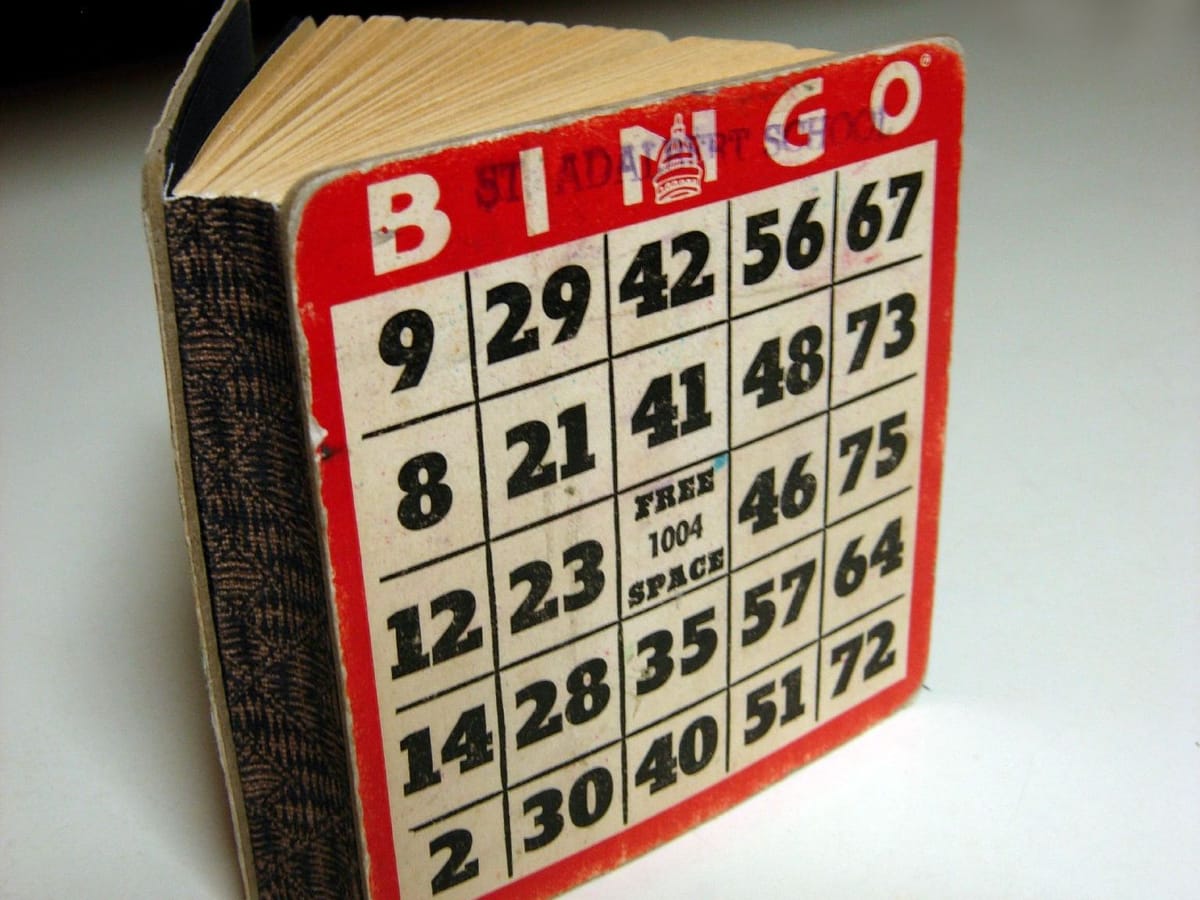
Choose 75-ball numbers for a traditional American card. The generator follows the proper layout: the B column holds numbers from 1 to 15, I from 16 to 30, N from 31 to 45, G from 46 to 60 and O from 61 to 75, sorted from top to bottom, with a FREE square in the middle of the N column. The caller below then draws from all 75, with the letter, such as "B-7" or "O-72", exactly as an American hall would call it.
British 90-ball tickets are different. They are 3 rows by 9 columns, with 15 numbers and 12 blanks, and they are printed in strips of six that use every number from 1 to 90 exactly once. The rules are strict, and a random grid would not produce a valid ticket. For those, use our bingo tickets generator, which builds proper strips, and our bingo caller, which draws 1 to 90 with the traditional UK bingo calls.
Blank bingo card templates
Choose Blank cards to print an empty bingo card template in any size. Blank cards are what you need when the players fill in the squares themselves: guests at a baby shower writing the gifts they expect, pupils writing their own spelling words, or a group choosing ten numbers each for a quick game. They are also handy for a game you want to write by hand on the day. Set the title to suit the occasion, and choose whether the centre is a free square. Every bingo card template prints at the same size as the filled cards, two to a page.
Calling the game and printing call slips
Every themed game needs a caller with the full list. Press Print call slips to print every item in a grid of dashed boxes, ready to cut out, fold and draw from a hat, stocking or bowl. Or call on screen: the panel below the cards draws the items one at a time in a random order, never repeating, and keeps a list of everything called so you can check a winning card. Press Full screen to show the call large on a television or a projector, or share your screen on a video call.
Some games have no caller at all. In human bingo the players find people to match the squares, and in baby shower bingo the calls are the gifts as they are opened, so for those themes the call panel is hidden.
Printing tips for bingo cards
- Two cards per A4 page. Each card prints about 15 cm wide, large enough to mark with a dabber or a counter. Choose portrait in the print dialogue.
- Save as PDF from the print dialogue to email cards to players before a video call or a party.
- Reuse them. Laminate the cards or put them in plastic sleeves and use dry-wipe pens, or mark with coins, buttons or sweets.
- Print a few spares. Someone always arrives late or spills a drink.
- Ink saving. The printed version is black lines on white, with no dark backgrounds, whatever the screen looks like.
Make your own bingo cards by hand
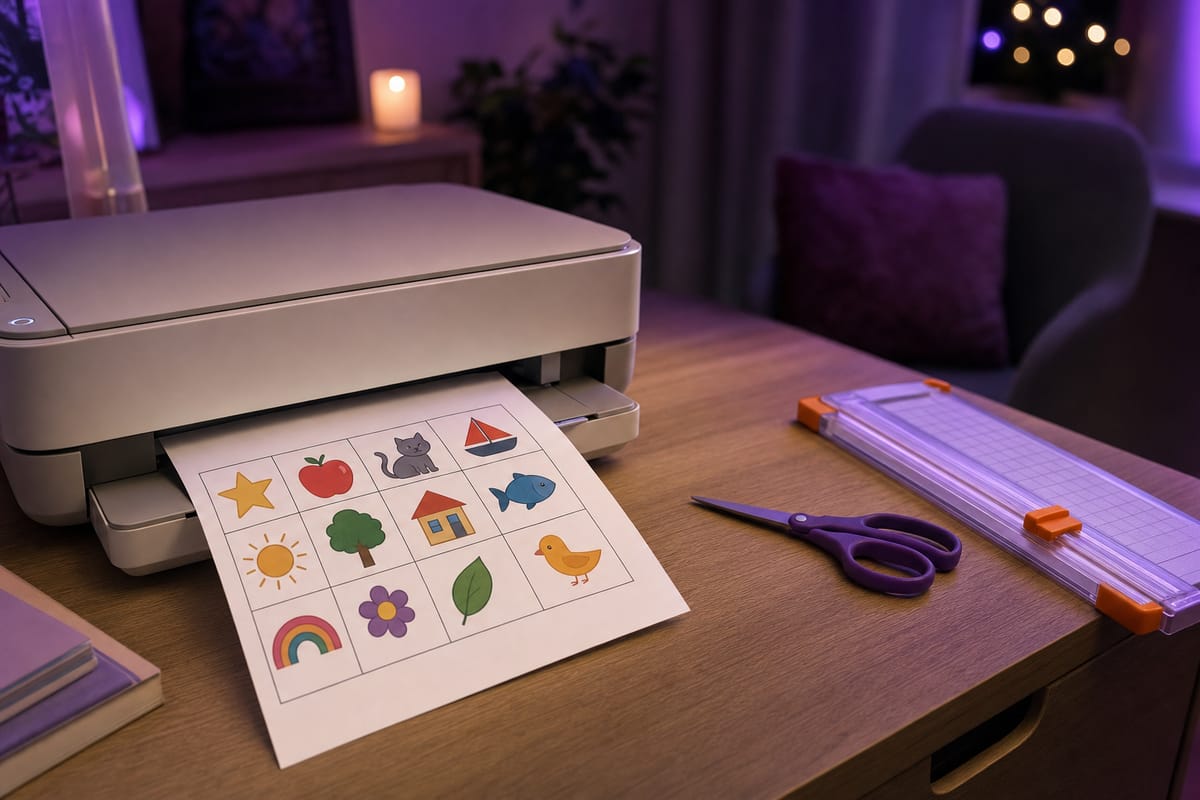
You do not need a computer to make your own bingo cards. Draw a grid on paper or card, write the item list on a separate sheet, and fill each card by picking items at random, crossing out a copy on a spare list for each card so that you mix them well. It is slow for more than a handful of players, but children enjoy making their own cards, and it makes a good rainy-day activity in itself. For a spreadsheet method, see the question on Excel below.